Getting Started
Mudlet
The first step is to download Mudlet from here https://www.mudlet.org/download/ and install it on your machine, then you start it up.
As soon as the program loads up, you should have a window like this, with all the connections preconfigured and the ones you have already made
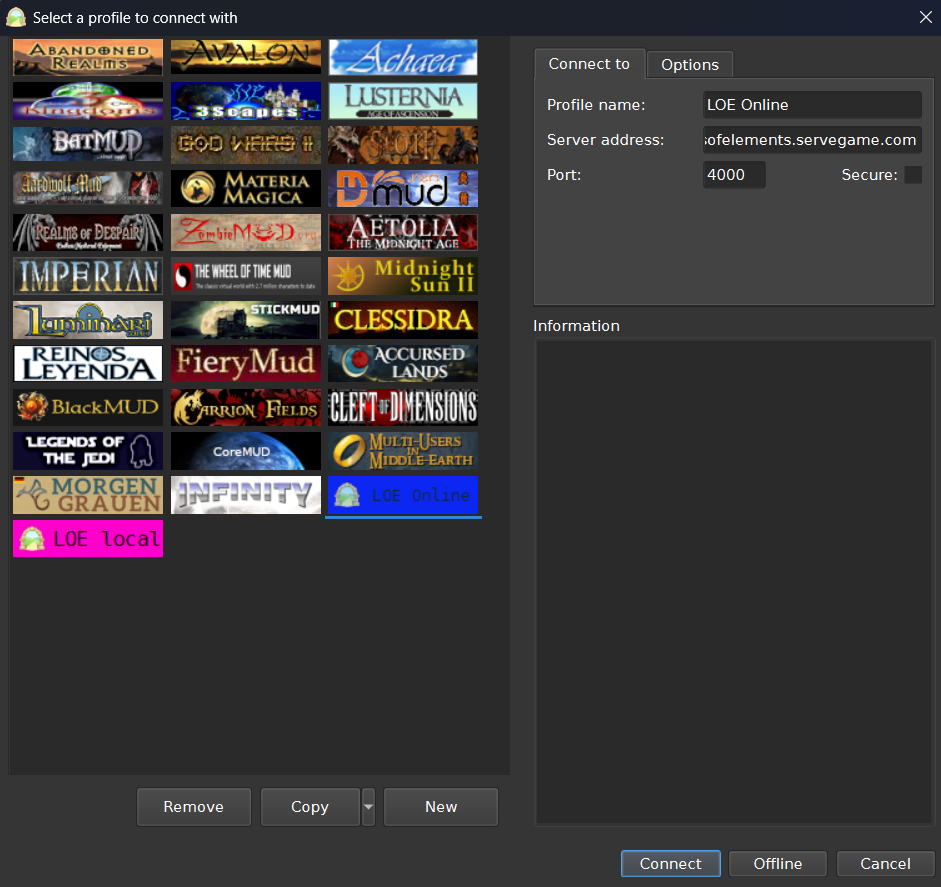
From there, you click New and fill the connection details on the top right:
Profile name: whatever you like
Server: lordsofelements.servegame.com
Port: 4000
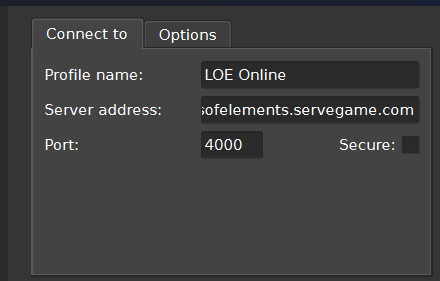
Once compiled, you just click on Connect and you will see the first connection
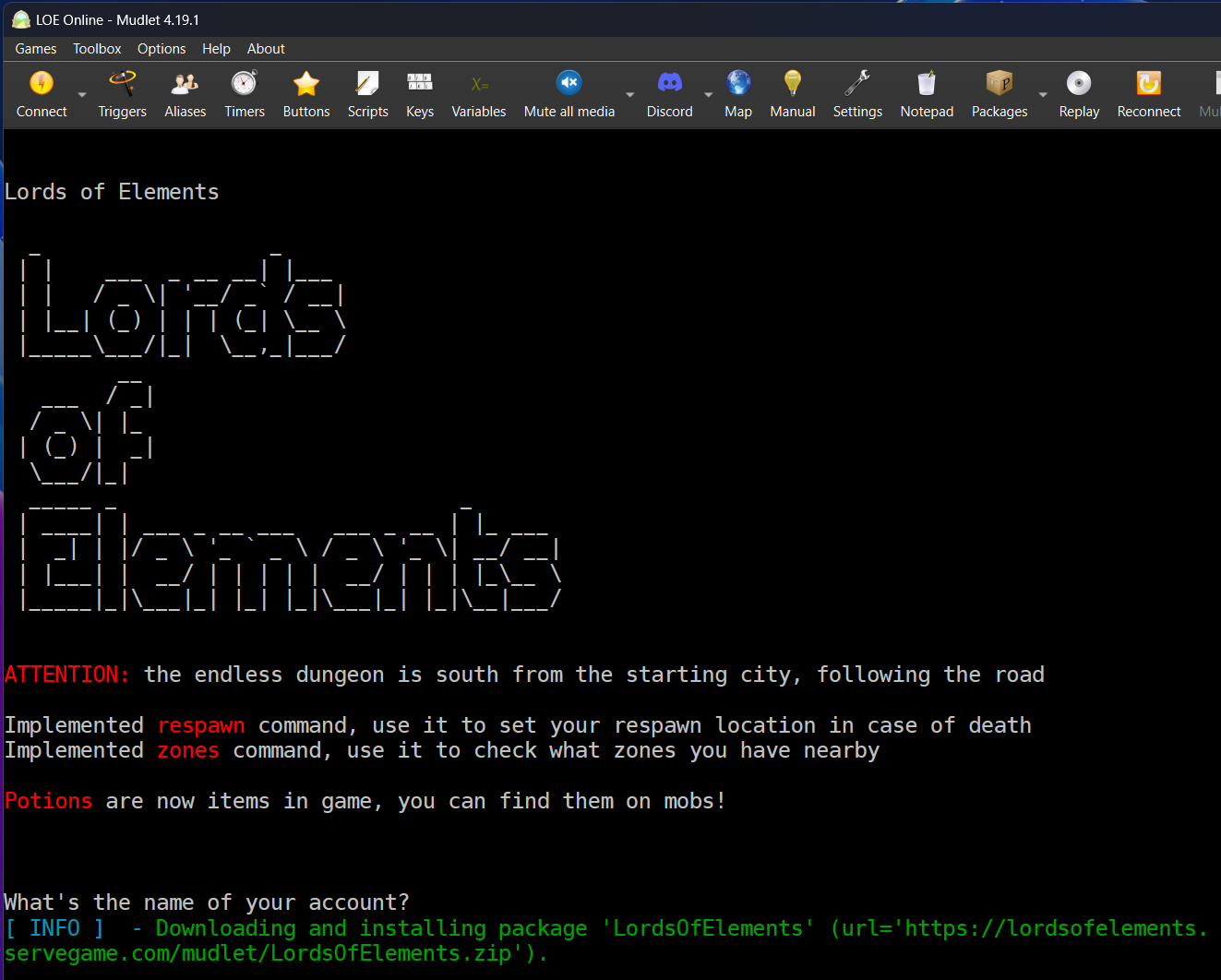
On the first connection, Mudlet will download a package of settings dedicated to the game

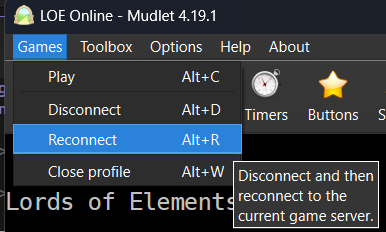
To have everything active, you have to Reconnect clicking on the menu above
You should see the interface loaded and ready (with some keybindings ready for later)
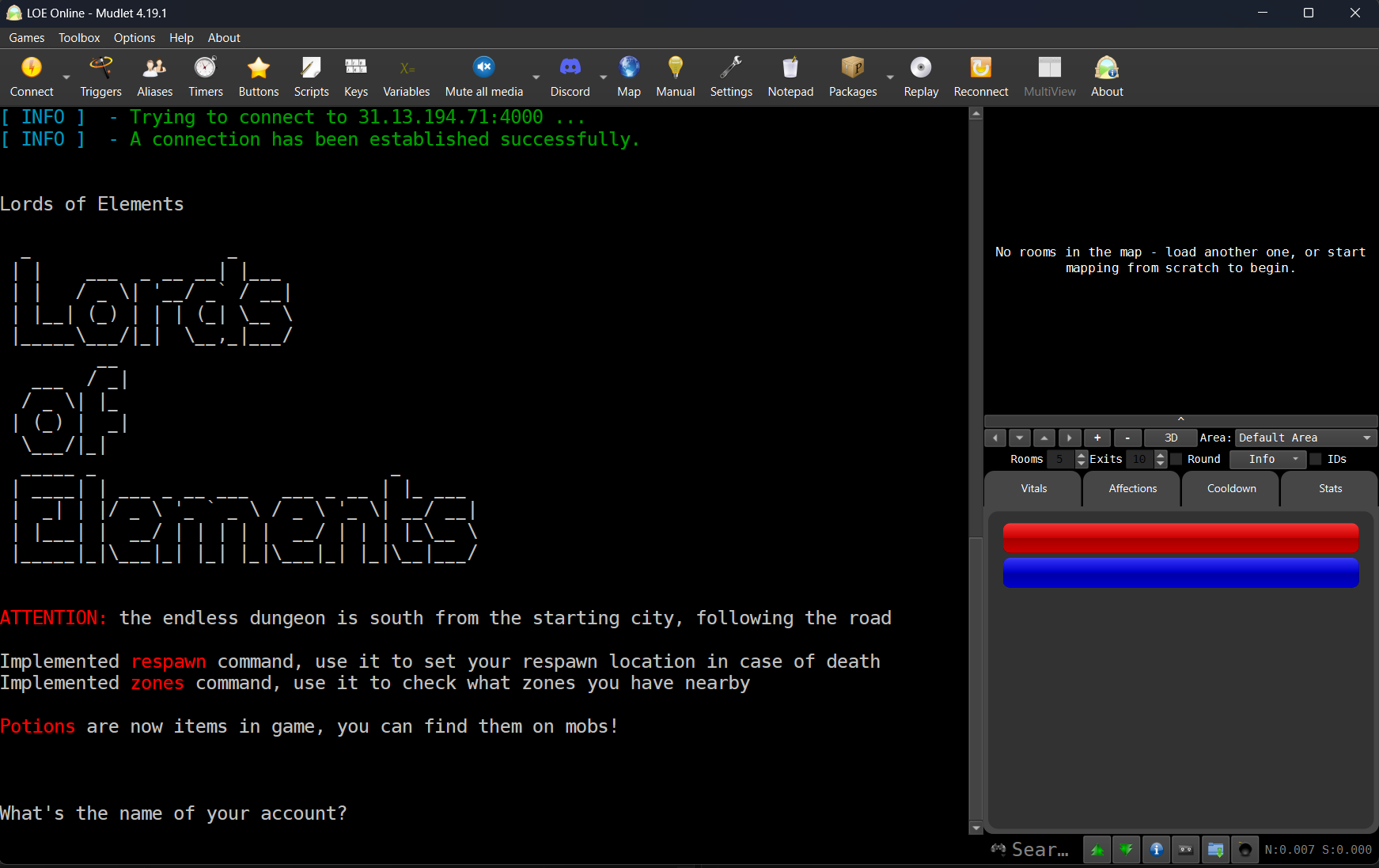
Mudlet will keep the setting updated when a new version of the package will be found.
From this step onward you just follow the Account and Character creation, typing directly in the window then pressing Enter to submit